|
|
If you’ve been prototyping with agents, this one’s for you.
Building with Figma Make is easier than ever. Import code packages, prompt with voice to text, and test natively on mobile—plus many more updates. See them all in the Release Notes replay.
P.S. Oh yeah, and the Config agenda is live 👀 Go explore the lineup and register before June 23.
|
|
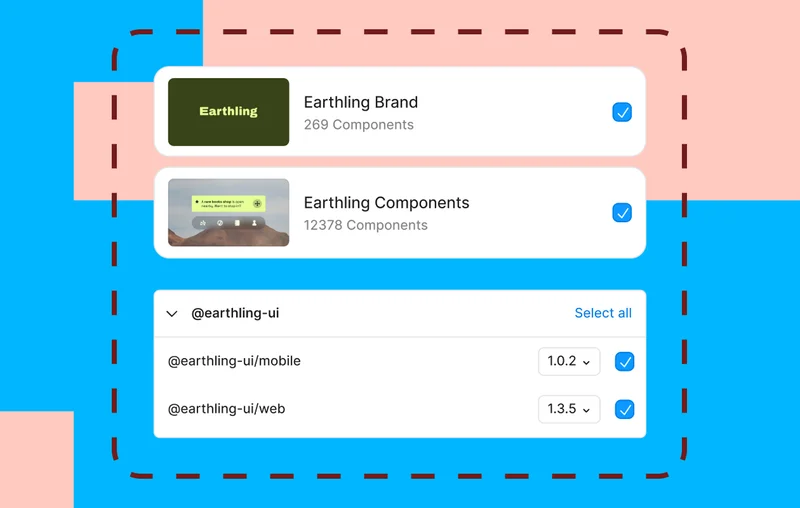
Add your design system to Figma Make prototypes
|
|
Make kits give every prototype a solid foundation, bundling your design system’s components, styles, and guidelines.
With Make kits, you can import:
- Code packages from the public npm registry
- Private code packages published within your Figma organization
- Figma library styles, variables, and tokens
|
|
Learn more →
|
|
|
|
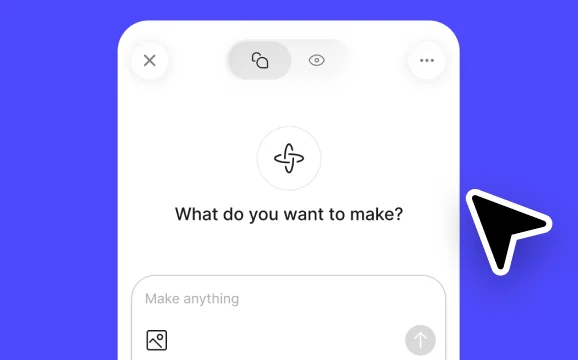
View your Makes on mobile
|
|
Preview Figma Make prototypes in the mobile app. Experience them natively and share for review.
|
|
Read more →
|
|
|
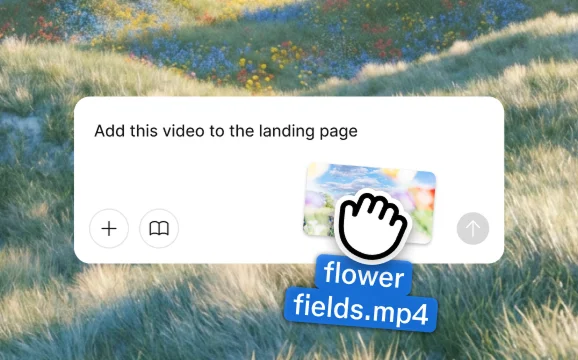
Prompt with more attachment types
|
|
Bring in over 30 file types—from PDFs to SVGs—to give Figma Make the full picture behind your work.
|
|
Get started →
|
|
|
|
Use FigJam as your coding agent’s whiteboard
|
|
Generate architecture diagrams and ERDs in FigJam with your coding agent, or turn Markdown files into visual boards.
|
|
Read more →
|
|
|
Add context to prototypes with the Zapier connector
|
|
Use the Zapier connector in Figma Make to pull in context from Google Drive, Microsoft Office, Zoom, Slack, and 9,000+ other apps.
|
|
See how →
|
|
|
And so many more little big updates
|
- Performance improvements → Vector editing is up to 10x speedier. Make frame rates are 4x smoother, and memory warnings dropped 92%.
- Version history and clear context in Figma Make → Track every change, revert to any version, and keep sessions running fast with easy context clearing. Plus, dictate with voice to text across devices.
- Voice to text in Figma Make → Dictate to prototype now available on all devices.
- Improved table formatting in FigJam → Merge adjacent table cells and apply custom text colors.
- Auto layout in Figma Draw → Apply auto layout directly in Draw, without needing to switch to Design mode.
More release notes →
|
|
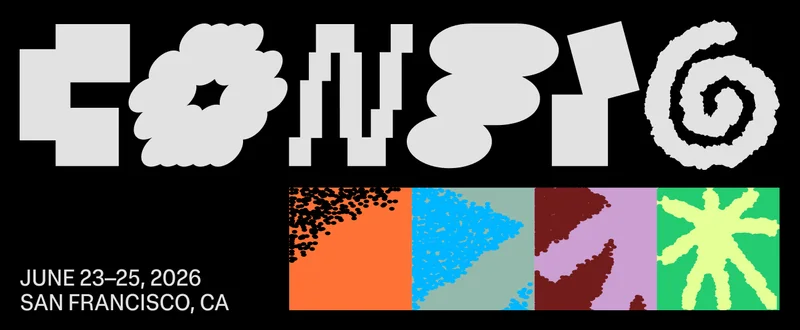
The Config 2026 agenda is live
|
|
Config 2026 is happening June 23–25 in San Francisco, and we just released our agenda!
Browse talks from a new wave of designers and leaders who are working closer to code, developing new workflows, and crafting quality product experiences that break through the noise.
In-person tickets are selling fast, so grab yours today or join us virtually for free.
|
|
Register today →
|
|
| Figma is a design platform for teams who build products together. Born on the Web, Figma helps the entire product team create, test, and ship better designs, faster. |
|
|
760 Market Street, Floor 10
San Francisco, CA, 94102 |
| Unsubscribe from Figma marketing emails. |
|
|
|
|
|
|


![Email from Figma. [Release notes] New from Figma: Go from code to canvas (and back)](https://n5su3bze2ea.b-cdn.net/preview-images/c5225947-99d0-448b-8080-c3cefbca4517/Figma-marketing-email_release-notes-new-from-figma-go-from-code-to-canvas-and-back.webp?bunny=%5Bobject%20Object%5D&width=300&height=600&aspect_ratio=300%3A600)
![Email from Figma. [Release notes] New things to love in Figma 💘](https://n5su3bze2ea.b-cdn.net/preview-images/5c21734f-6a06-4856-b9c5-1a8789e95ff6/Email-marketing-example-from-Figma_release-notes-new-things-to-love-in-figma.webp?bunny=%5Bobject%20Object%5D&width=300&height=600&aspect_ratio=300%3A600)

![Email from Figma. [Release notes] New for November](https://n5su3bze2ea.b-cdn.net/preview-images/0b2f1d77-1966-48ab-8aed-fb2ed57d0d06/Figma-email-example_release-notes-new-for-november.webp?bunny=%5Bobject%20Object%5D&width=300&height=600&aspect_ratio=300%3A600)
